Email · Local
Thunderbird with local AI.
Summarize lengthy email threads and compose responses without sending your conversations to external servers. Your emails stay private, processed entirely on your device.
Capability
Summarize threads
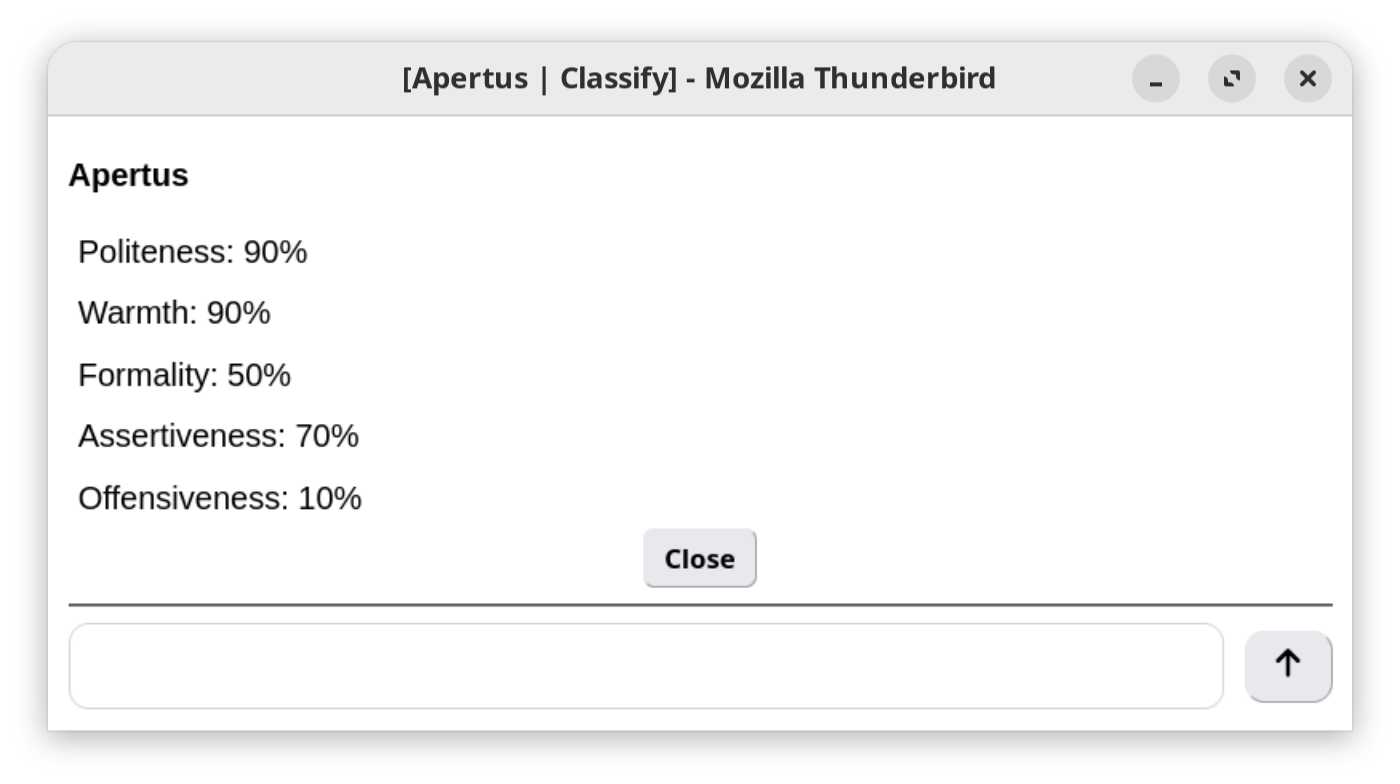
Quickly condense long email threads into digestible bullet points. Focus on what matters without reading every message.
Compose assistance
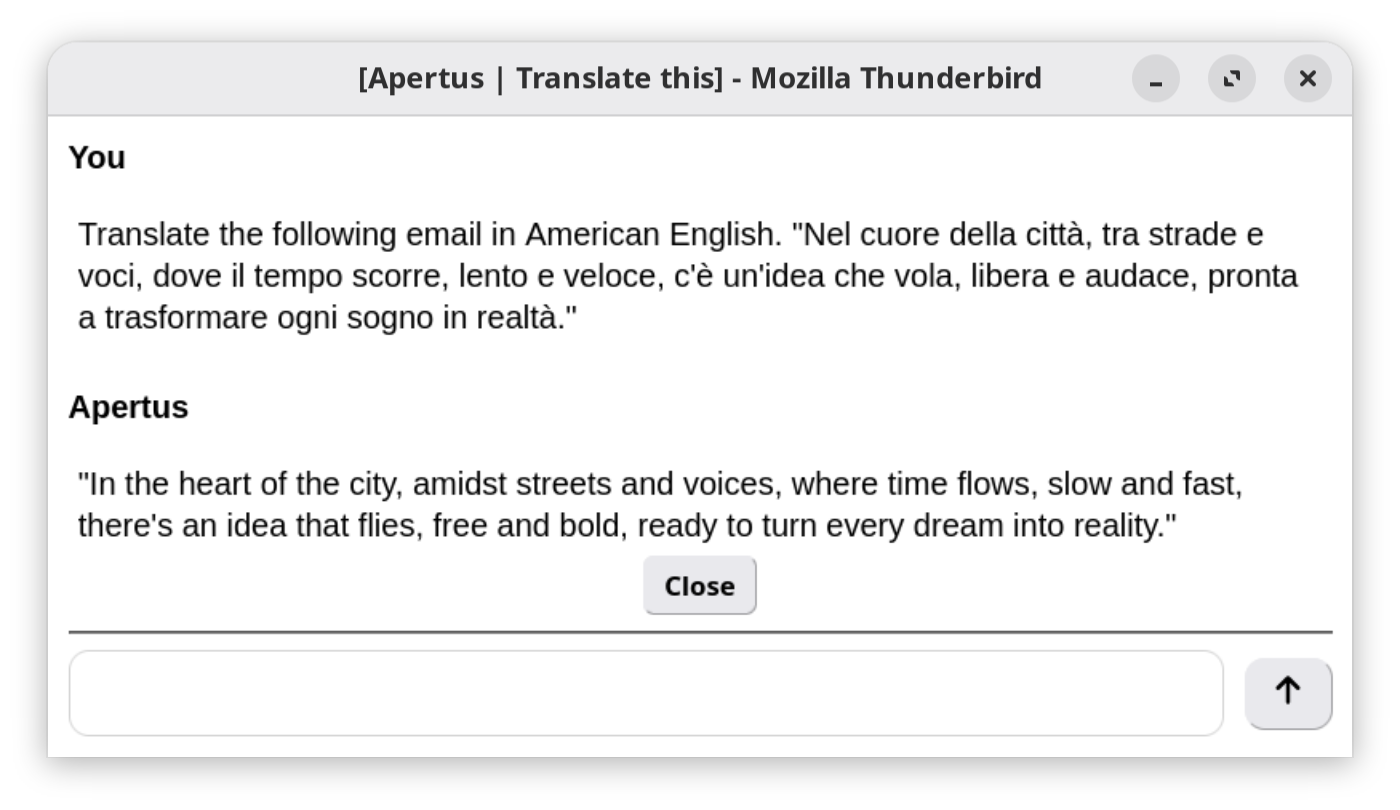
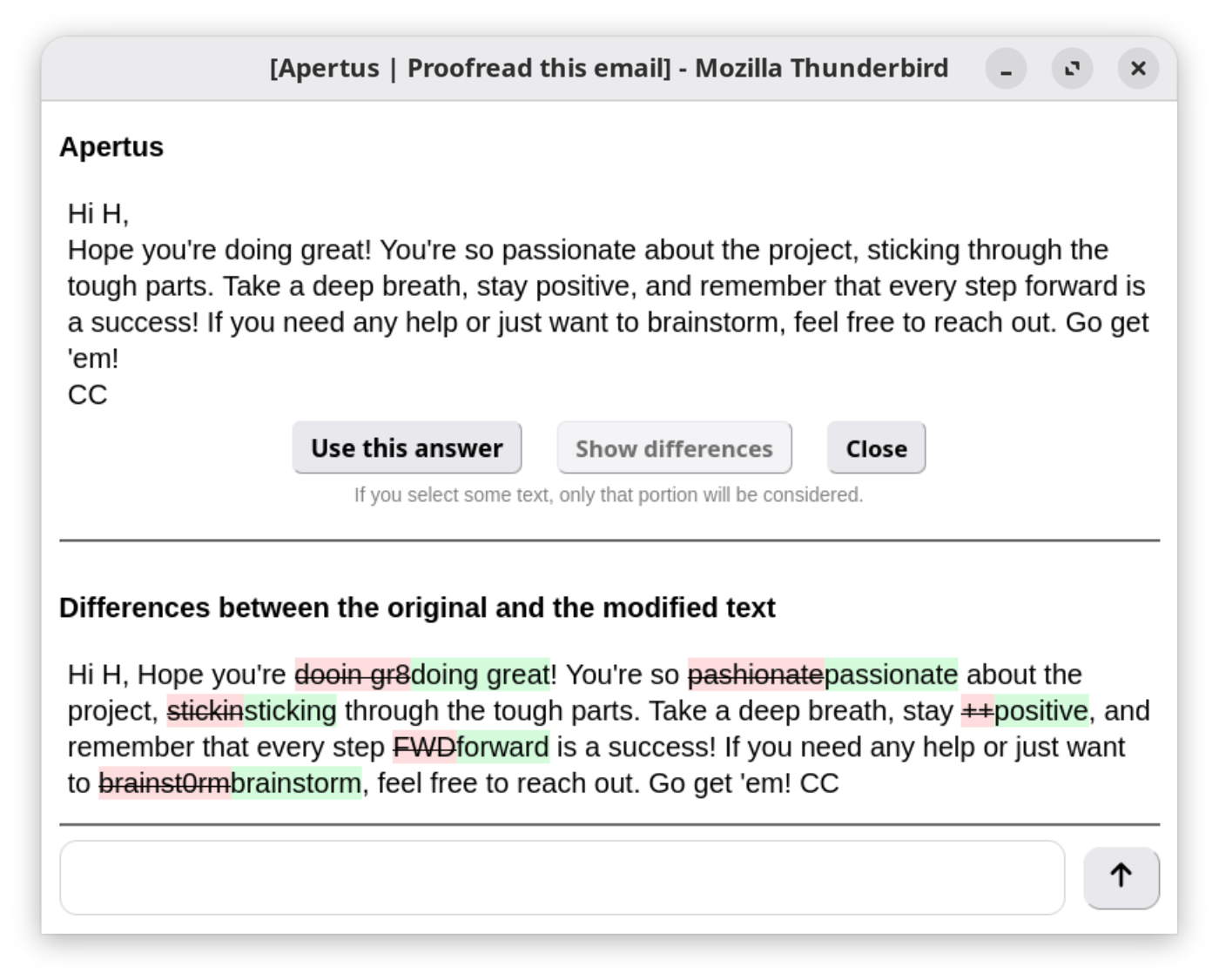
Draft responses using your writing style. The model suggests completions that match your tone and intent.
Smart categorization
Automatically sort incoming mail by priority or topic based on content analysis.
Privacy first
Everything processes locally. No email content leaves your computer, even when offline.
Setup
These steps assume you've already picked a model and started llamafile by following the guided setup in this web app.
- 01
Configure Thunderbird
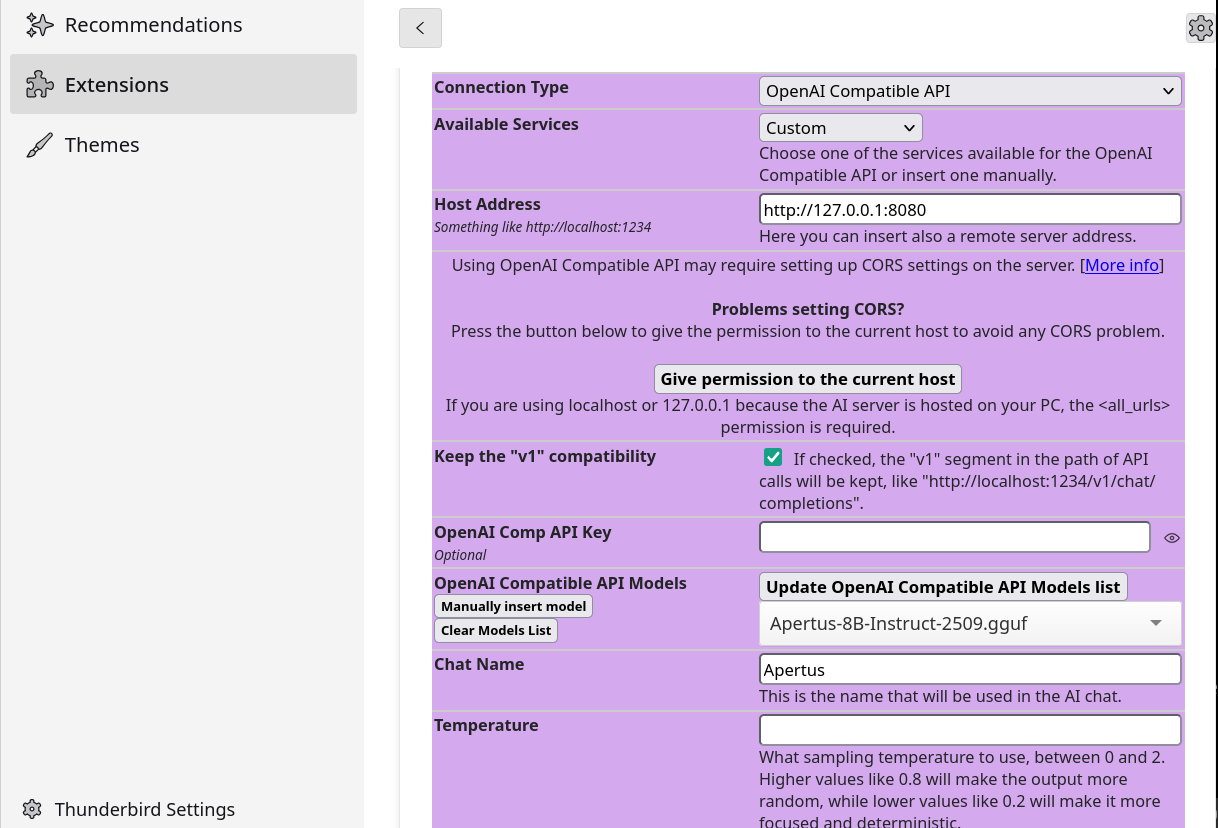
Add an extension - we tested TigerAI
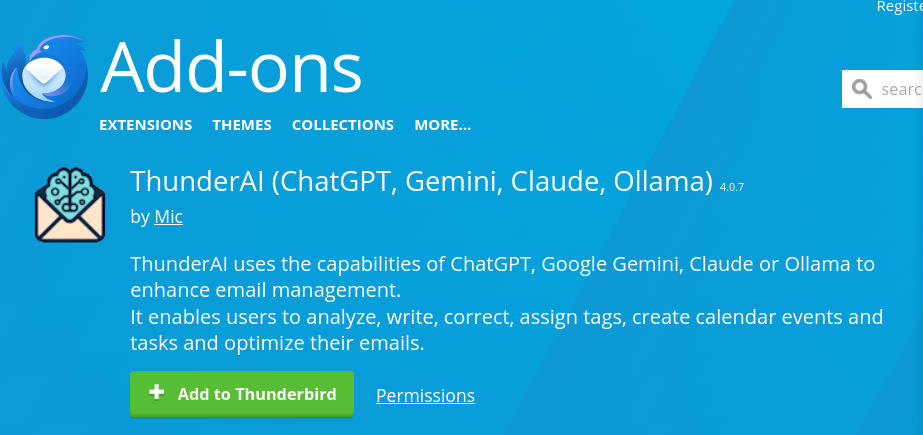
Configure it to use the "OpenAI compatible" local model, set the API endpoint to point to localhost:8080.
- 02
Test integration
Select an email thread and click the AI helper icon to summarize, or start a reply and use suggestions as you type.